

We ignored the Alipay Wallet for over a year. Every purchase went straight through our debit card, and we never thought about it. Then we noticed $4.50 sitting in our wallet from bonuses we had accumulated without realizing it. That was free money we almost let expire.
This guide explains what the Alipay Wallet is, how to add funds, how to earn and track bonus money, and how to avoid the mistakes that cost real dollars.
Table of Contents
What is Alipay and how does it work
Alipay is the payment system built into AliExpress. Created by Alibaba Group, it handles every transaction on the platform. When you pay for an order, Alipay holds your money and only releases it to the seller after you confirm the order arrived and you are satisfied with it. If something goes wrong, Alipay processes your refund.
Think of it like an escrow service. The seller cannot access your payment until you give the green light.
What is the Alipay Wallet
The Alipay Wallet is a virtual wallet linked to your AliExpress account. You can load money into it, receive refunds to it, and pay for orders directly from your balance.
You do not need to use the wallet to shop on AliExpress. You can pay with your card every time. But the wallet offers some advantages that make it worth understanding.
Why use the Alipay Wallet
| Benefit | How it helps |
|---|---|
| Avoid entering card details repeatedly | Load once, pay from balance |
| Shop without a bank card | Useful if you do not have a card or want to limit exposure |
| Earn bonus money | Complete tasks to get free credits |
| Faster refunds | Refunds to wallet balance process quicker than refunds to bank cards |
| Track spending | All transactions visible in one place |
We started using the wallet after a refund took 18 days to reach our bank account. Refunds to the wallet balance typically show up within 1-3 days.
How to activate your Alipay account
If you have ever paid for an AliExpress order with a debit or credit card, you already have an Alipay account. It was created automatically when you made that first payment. You do not need to register separately on the Alipay website.
To access your wallet:
- Open the AliExpress app
- Tap Account at the bottom right
- Scroll to Wallet (under the Alipay section)
From here you can see your balance, bonus funds, linked cards, and transaction history.
How to recharge (top up) your Alipay Wallet
You can only add funds to your wallet through the AliExpress mobile app. The website does not support recharges.
| Step | Action |
|---|---|
| 1 | Open the AliExpress app and go to Account |
| 2 | Tap Wallet |
| 3 | Tap Recharge |
| 4 | Enter an amount (minimum $10 or equivalent) |
| 5 | Select payment method: credit card, debit card, Apple Pay, or bank transfer |
| 6 | Confirm the transaction |
Card payments appear instantly. Bank transfers take 2-5 business days to reflect in your balance.
We recharge in small amounts, usually $20-30 at a time. This keeps our exposure low while still letting us pay from balance when we want faster checkout.
Can you withdraw money from the wallet
Yes. If you load too much or want your money back, you can withdraw to a linked bank account.
Requirements:
- Add your bank account number
- The account holder name must match your Alipay account name exactly
- No minimum withdrawal amount
- No withdrawal fees
Withdrawals typically take 3-5 business days. We have done this twice when we overloaded the wallet before a sale that got postponed.
The “Instant Refund” trap
This catches a lot of buyers. When you request a refund or win a dispute, AliExpress sometimes offers two options:
- Instant Refund to your Alipay Wallet balance (with a small bonus)
- Regular Refund to your original payment method
The Instant Refund sounds appealing because you get the money immediately plus a bonus. But here is the problem: that refund goes to your wallet balance, and some users report difficulty withdrawing it back to their bank account.
We have seen forum posts from buyers who accepted Instant Refund for $40+ orders, expecting to withdraw later, only to find the process blocked or delayed.
Our recommendation: Unless you plan to spend the money on AliExpress soon, choose the regular refund to your card. The 3-20 day wait is worth avoiding complications.
How to earn Alipay bonus money
Alipay rewards certain actions with bonus credits. These bonuses are essentially free money you can spend on products.
You can find available tasks and your current bonus balance in the task center within your Alipay Wallet section.
| Task | Bonus amount |
|---|---|
| Set up your Alipay account and activate balance | $2 |
| Add a bank card to your account | $1 |
| Pay with Alipay three times in one month | $1 |
| Participate in promotional events | Varies |
| Invite friends through referral links | Varies |
We have earned about $8 in bonuses over the past two years just from normal shopping activity. Not life-changing, but it is free money that would otherwise disappear if ignored.
How to spend your bonus
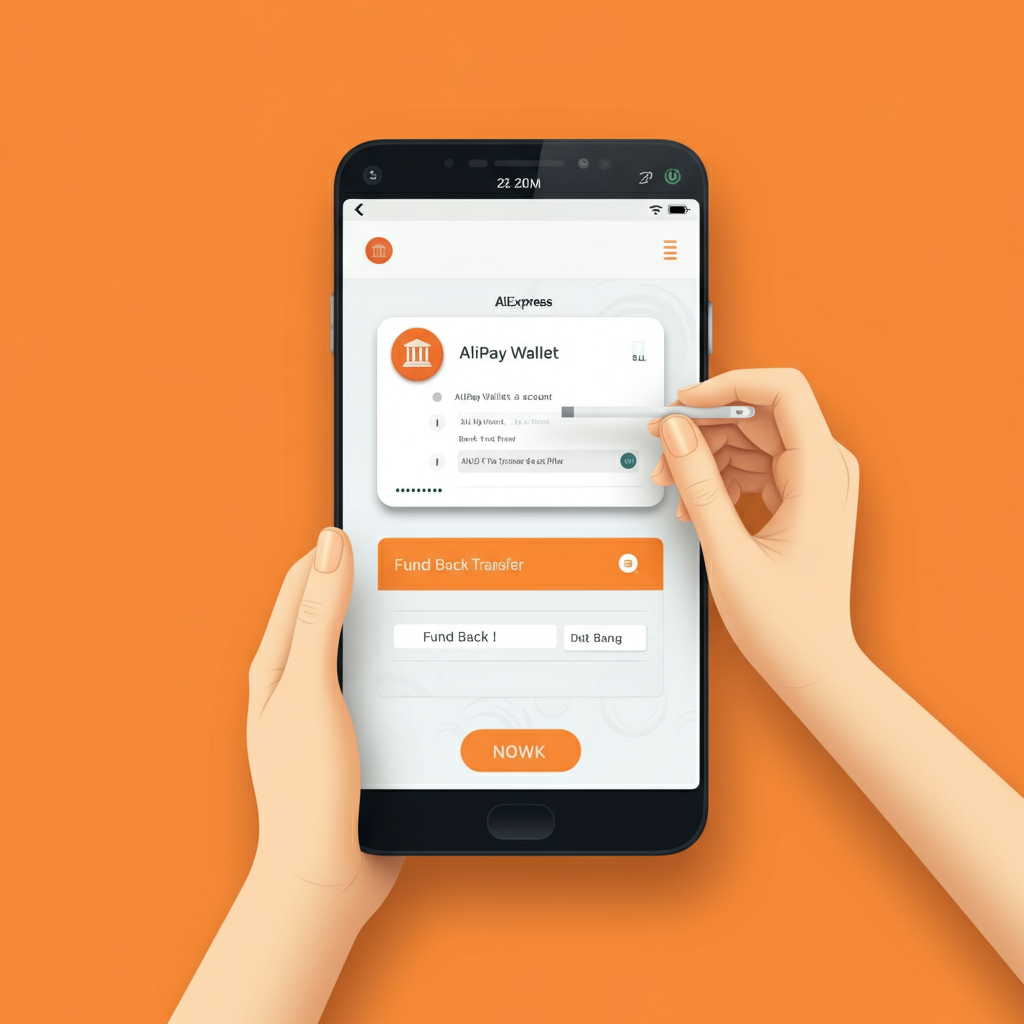
Using bonus funds is automatic. There is no code to enter or button to press.
- Add items to your cart
- Proceed to checkout
- Select your payment method (card or wallet balance)
- AliExpress automatically deducts any available bonus from your total
You will see the bonus discount applied in the order summary before you confirm payment.
What you cannot use bonus for
Bonus funds have restrictions. You cannot use them for:
- Gift cards
- Mobile top-ups
- Software licenses
- Warranty services
- Installation or maintenance services
- Other virtual products
Stick to physical products and your bonus will apply without issues.
How to check your bonus expiration dates
Each bonus credit has its own expiration date. If you do not use it before that date, the bonus disappears.
To check expiration dates:
- Open the AliExpress app
- Go to Account and tap Wallet
- Look for Bonus or My Bonus section
- Tap to see a breakdown of each bonus and its expiration
We check this about once a month. If we have bonus funds expiring soon, we find something small to buy rather than let the money vanish.
Do bonuses come back after a refund
No. If you use bonus funds on an order and later get a refund, only the portion you paid with real money comes back. The bonus is gone.
Example: You buy a $15 item using $1 bonus and $14 from your card. If you return the item, you get $14 refunded. The $1 bonus is forfeited.
This is stated in the AliExpress bonus terms and conditions. Keep it in mind before using bonus on items you might return.
Is Alipay safe

Yes. Alipay uses encryption, two-factor authentication, and does not share your card details with sellers. Your payment information stays between you and Alipay.
The escrow system adds another layer of protection. Sellers do not receive payment until you confirm receipt, which gives you leverage if something goes wrong.
We have processed hundreds of orders through Alipay without any security issues.
Supported card types
You can link the following card types to Alipay:
- Visa (credit and debit)
- Mastercard (credit and debit)
- American Express (limited availability)
- Maestro
- Virtual and prepaid cards (most work, but some may be declined)
If your card is declined, try a different one or contact your bank. Some banks block international transactions by default.
Viewing your transaction history
To see all your Alipay activity:
- Open your Wallet in the AliExpress app
- Tap the middle icon at the top (transaction history)
- View purchases, refunds, recharges, and withdrawals
This is useful for tracking spending, confirming refunds arrived, and checking bonus usage.
Alipay vs PayPal on AliExpress
| Feature | Alipay | PayPal |
|---|---|---|
| Availability | All countries | Limited countries |
| Buyer protection | Yes (escrow system) | Yes (PayPal protection) |
| Bonuses | Yes | No |
| Wallet balance | Yes | Yes |
| Withdrawal to bank | Yes (some restrictions) | Yes |
| Card linking | Yes | Yes |
PayPal offers familiar protection for buyers used to that system, but Alipay’s bonuses and faster refund processing give it an edge for regular AliExpress shoppers.
Final thoughts
The Alipay Wallet is worth using if you shop on AliExpress regularly. The bonus money adds up over time, refunds process faster, and you avoid entering card details on every purchase.
The main thing to watch is bonus expiration. Check your wallet monthly and use any bonuses before they disappear. And when offered “Instant Refund,” think twice before accepting it if the amount is significant.
FAQ
1. Do I need to recharge my wallet to pay for orders?
No. You can pay directly with a linked card without maintaining a wallet balance. The wallet is optional.
2. How long does it take to withdraw money from Alipay Wallet to my bank?
Withdrawals typically take 3-5 business days. There are no fees and no minimum amount.
3. Can I transfer bonus money to my bank account?
No. Bonus funds can only be spent on AliExpress purchases. They cannot be withdrawn or transferred.
4. What happens to leftover bonus after I make a purchase?
Unused bonus carries over to your next purchase. It will apply automatically at checkout until it expires or is used up.
5. Why did my bonus disappear?
Each bonus has an expiration date. If you do not use it before that date, it is forfeited automatically. Check your wallet regularly to see expiration dates for each bonus credit.

Leave a Reply