

We needed our User ID once to fill out a dispute appeal form. We had no idea where to find it. After 10 minutes of clicking through account settings, we finally located it buried in the profile section. It took longer than it should have.
This guide shows you exactly where to find your AliExpress User ID on desktop and mobile, explains what it is used for, and covers how to recover your account if you forgot your login email.
Table of Contents
What is the AliExpress User ID
Your AliExpress User ID (also called Member ID) is a unique string of numbers assigned to your account when you register. It is not your email, phone number, or display name.
| Identifier | Example | Can you change it |
|---|---|---|
| User ID / Member ID | 1234567890 | No |
| you@email.com | Yes | |
| Username / Display name | JohnDoe | Yes |
| Phone number | +1 555 123 4567 | Yes |
The User ID is permanent. AliExpress uses it internally to identify your account without ambiguity.
What the User ID is used for
You will need your User ID in specific situations:
- Filling out AliExpress dispute forms or appeals
- Contacting customer service (agents use it to locate your account)
- Logging in (it works in place of your email, though most people do not use it this way)
- Connecting third-party tools or extensions to your account
For everyday shopping, you do not need to know your User ID. But when you need it, you need it quickly.
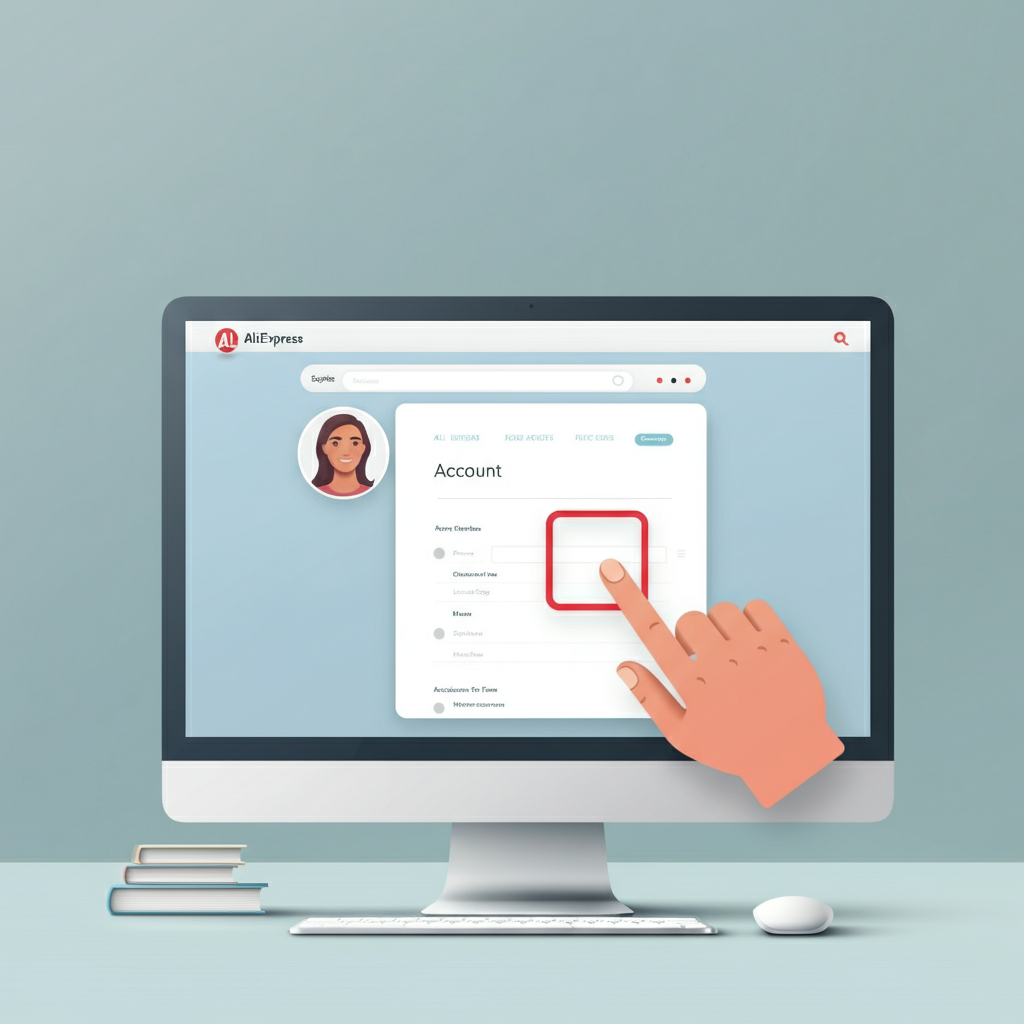
How to find your User ID on desktop
- Go to AliExpress.com and log in
- Hover over your name and profile picture in the top-right corner
- Click Account in the dropdown menu
- On the left sidebar, find Settings and click Edit Profile
- Your Member ID appears near the top of the profile page
The ID is a string of numbers. Copy it and save it somewhere accessible if you expect to need it again.
How to find your User ID on mobile
- Open the AliExpress app and log in
- Tap Account in the bottom-right corner
- Tap the gear icon (Settings) in the top-right corner
- Tap Profile at the top of the settings menu
- Look for Account Info, your User ID is displayed there
The process takes about 15 seconds once you know where to look.
Can you change your User ID
No. Your User ID is permanent and cannot be changed. It was assigned when you created your account and will stay the same for the life of the account.
This is different from your username or display name, which you can change in your profile settings.
Using your User ID to log in
You can log in to AliExpress using your User ID instead of your email. The password is the same as your regular password.
This is useful if:
- You forgot which email you registered with
- Your email is very long or difficult to type
- You are using a shared computer and do not want to type your email
We have used this method when testing accounts and could not remember which email was linked to which account.
How to recover your account using an order number
If you forgot both your email and User ID, AliExpress has a recovery tool that can locate your account using order information.
- Go to https://accounts.aliexpress.com/user/account/retrieve_account.htm
- Enter a previous order number, or
- Enter the first 6 and last 4 digits of a credit card you used on AliExpress, along with the payment amount and date
- AliExpress will display your login ID and partial email information
- Use this information to log in or reset your password
This tool is helpful when you have multiple accounts and cannot remember which email goes with which orders.
How to reset your password using User ID
If you know your User ID but forgot your password:
- Go to the AliExpress login page
- Click Forgot Password
- Select Email/Member ID
- Enter your User ID
- Complete the verification (email code, SMS, or security questions)
- Create a new password
If you no longer have access to your registered email, you will need to contact customer support through the chatbot and verify your identity by answering questions about recent orders.
Finding a seller’s store ID from their URL
Sometimes you need a seller’s store ID to report them, search for their store directly, or use with third-party tools.
The store ID is the number in the seller’s store URL.
Example URL: https://www.aliexpress.com/store/2942221
Store ID: 2942221
You can also find it by:
- Going to a product page from that seller
- Clicking on the store name to visit their store page
- Looking at the URL in your browser
To go directly to any store, type: https://aliexpress.com/store/XXXXXXX
Replace XXXXXXX with the store ID number.
User ID vs seller ID
If you are a seller on AliExpress, you have a separate Seller ID for your store. This is different from your buyer User ID.
To find your Seller ID:
- Go to AliExpress and click Sell on AliExpress
- Log in to your seller account
- Click Account at the top
- Your Seller ID will be displayed
The Seller ID is used for store management, support requests related to your store, and API integrations.
Final thoughts
Your User ID is one of those account details you never think about until you need it. Now you know where to find it on both desktop and mobile, and you have the recovery tool URL saved for the day you forget which email you used to register.
We recommend copying your User ID somewhere accessible the first time you look it up. It saves time when a form asks for it unexpectedly.
FAQ
1. Is my User ID the same as my username?
No. Your username is a public display name you can change. Your User ID is a permanent number assigned by AliExpress that cannot be changed.
2. Can I log in with my User ID instead of my email?
Yes. Enter your User ID in the login field and use your normal password. This works the same as logging in with email.
3. Where do I find the User ID in the app?
Go to Account, tap the gear icon for Settings, tap Profile, and look under Account Info. The User ID is displayed there.
4. I forgot my email and User ID. How do I recover my account?
Use the AliExpress account recovery tool at accounts.aliexpress.com/user/account/retrieve_account.htm. You can locate your account using an order number or credit card details from a previous purchase.
5. Can I have multiple accounts with different User IDs?
Technically yes, but AliExpress discourages multiple accounts. If they detect multiple accounts with the same information, they may block them. Each account has its own unique User ID.

Leave a Reply