

If you’re a regular shopper on AliExpress, you’ve probably heard of Alipay. It’s the secure payment system created by the Alibaba Group to make transactions smooth and safe. But beyond simply linking your credit card, there’s a powerful feature you might be overlooking: the Alipay Wallet. This virtual wallet not only simplifies payments but also unlocks a world of bonuses and rewards.
This detailed guide will explain everything you need to know about the Alipay Wallet. We’ll cover how to add funds, earn bonus money, and spend it on your favorite products, helping you make the most of every purchase.
What Exactly is Alipay and the Alipay Wallet?
Think of Alipay as the secure middleman for your AliExpress purchases. When you pay, Alipay holds your money safely and only releases it to the seller after you confirm that you’ve received your order in good condition. This system provides excellent protection against fraud and disputes.
The Alipay Wallet is your personal digital wallet within this system. You can load money into it and use that balance to pay for your orders directly. This offers several key advantages that can enhance your shopping experience.
Key Advantages of Using Your Alipay Wallet
Why bother loading money into a virtual wallet instead of just using your card? Here are a few compelling reasons:
- Avoid Using Cards Directly: If you’re hesitant to enter your credit or debit card details for every purchase, the wallet is a perfect solution. Load it once and pay from your balance without re-entering card information.
- No Card, No Problem: For shoppers who don’t have a bank card or want to avoid maintenance fees on prepaid cards, the wallet is an ideal alternative.
- Earn Free Money: This is the best part! Alipay frequently offers bonus money for completing simple tasks. This bonus is essentially free cash you can spend on AliExpress.
- Streamline Refunds: When you get a refund from a dispute, it often processes faster when sent directly to your Alipay Wallet balance.

How to Top Up (Recharge) Your Alipay Wallet
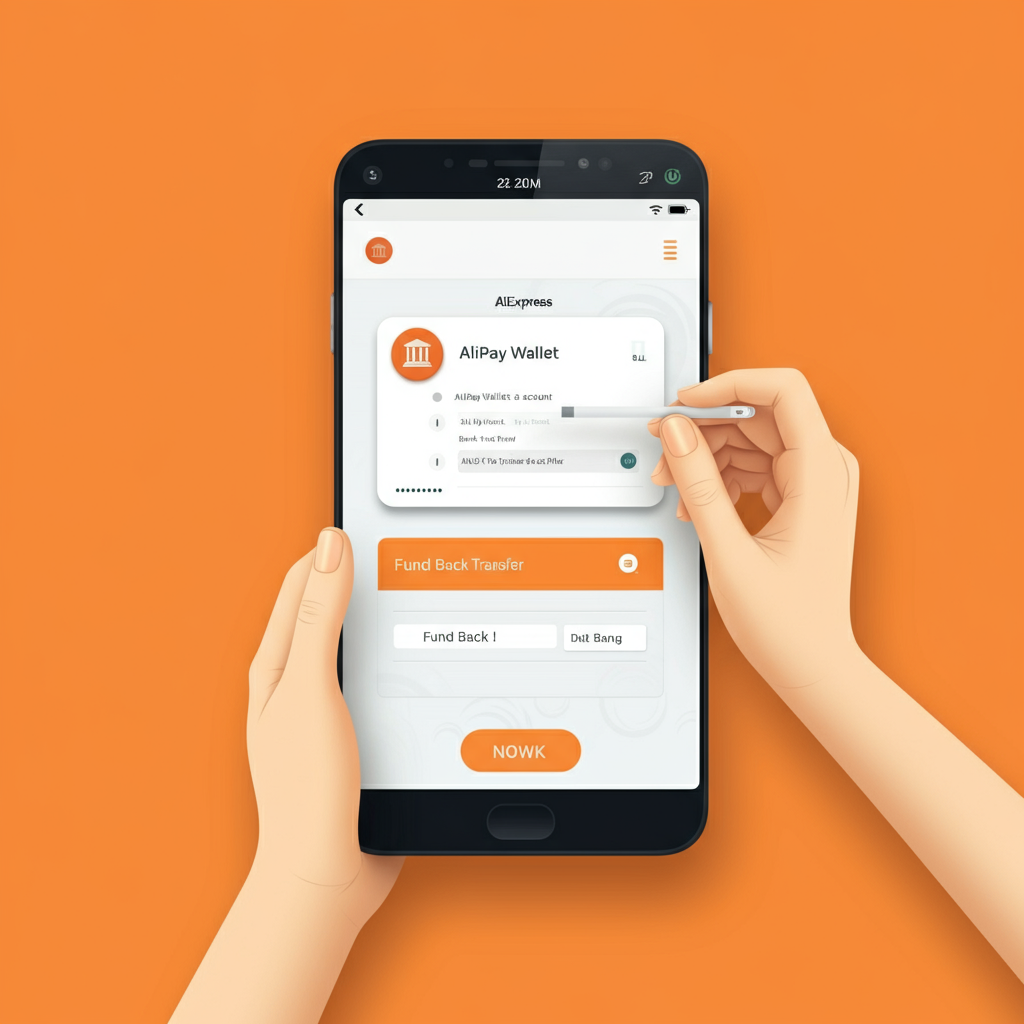
Before you can use the wallet, you need to activate it within your AliExpress account settings. Once that’s done, adding funds is simple, though it must be done through the AliExpress mobile app.
Step-by-Step Guide to Recharging:
- Access Your Wallet: Open the AliExpress app, go to “My Account,” and find your “Wallet.”
- Select “Recharge”: Tap the “Recharge” button to start the process.
- Choose an Amount: You can select a predefined amount or enter a custom one. Note that there is typically a minimum recharge amount, such as $10.
- Pick Your Payment Method: You can add funds using a credit/debit card or a bank transfer.
- Confirm the Transaction: Follow the prompts to complete the payment.
Card payments are usually instant, while a bank transfer may take a few business days to appear in your balance.
Can You Withdraw Money from the Wallet?
Yes, you can! If you’ve loaded too much money or simply want to move it back to your bank, you can withdraw funds without any fees or minimum amount restrictions. You just need to link your bank account by providing the account number and ensuring the account holder’s name matches your Alipay account name.
Unlocking the Alipay Bonus: How to Earn and Spend It
The Alipay Bonus is a rewards system that adds extra money to your wallet for performing specific actions. This bonus balance can be used to pay for products on AliExpress, effectively giving you a discount on any purchase.
How to Get Bonus Funds
You can check your current bonus balance and find new earning opportunities by visiting the task center within your Alipay Wallet section. Common tasks that reward you with bonuses include:
| $2 Bonus for setting up your Alipay account for the first time. |
| $1 Bonus for adding a bank card to your account. |
| $1 Bonus for paying with Alipay three times in a single month. |
AliExpress also runs special promotions where you can earn extra bonuses by participating in app activities or inviting friends to the platform.
How to Spend Your Bonus
Using your bonus money is completely seamless. There’s no special button to press or code to enter.
- Add the items you want to buy to your shopping cart.
- Proceed to checkout.
- Select your payment method (either your Alipay balance or a linked card).
- AliExpress will automatically deduct any available bonus funds from your purchase total.
You’ll see the discount applied in the final summary before you confirm the payment. It’s that easy!
Frequently Asked Questions on Alipay Wallet
What can I spend my bonus balance on?
Your bonus is perfect for standard, physical goods on AliExpress. However, it isn’t accepted for certain digital items, like mobile top-ups or gift cards. Check the fine print if you’re eyeing a product outside the norm!
Will my bonus funds disappear if I don’t use them?
Each bonus credit comes with its own expiration date, which you’ll find listed in your wallet. Make sure to use your bonuses regularly to avoid missing out—they won’t stick around forever.
Will my bonus funds disappear if I don’t use them?
Each bonus credit comes with its own expiration date, which you’ll find listed in your wallet. Make sure to use your bonuses regularly to avoid missing out—they won’t stick around forever.
What if I have leftover bonus money after shopping?
No need to rush! Any unused bonus money simply carries over, and will automatically apply to your next eligible order.
If I return a purchase or get a refund, does my bonus amount come back to me?
Typically, refunded amounts will only cover the portion you paid out-of-pocket. Any bonuses spent on a refunded order are not returned to your wallet.

Leave a Reply