

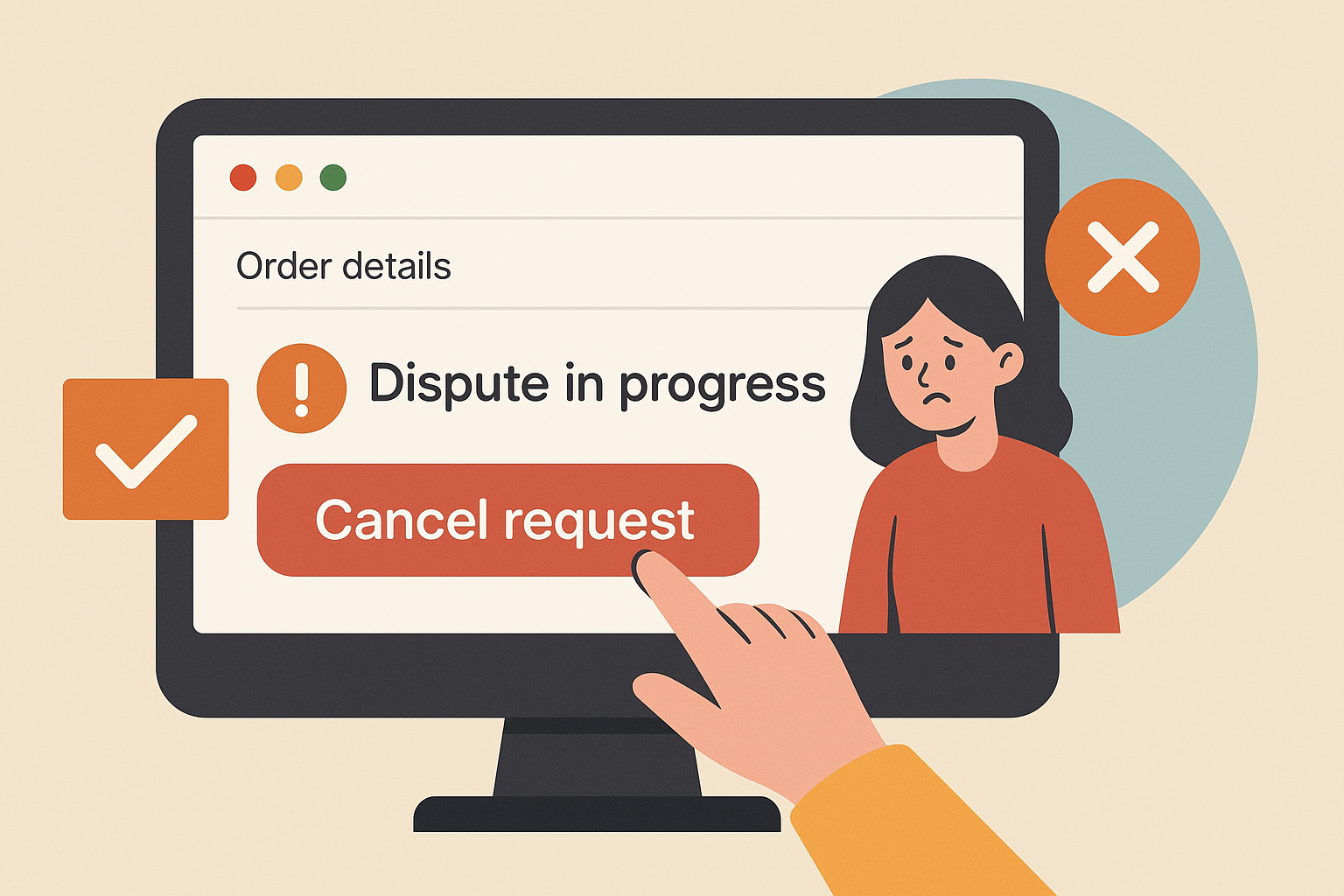
Filing a dispute on AliExpress is the standard way to get a refund when something goes wrong. But sometimes circumstances change after you submit the claim. The package suddenly shows up. The seller offers a solution. You realize you misread the tracking status.
AliExpress allows you to cancel a dispute as long as it has not reached a final decision. The process is quick, but the timing matters more than most buyers realize.
Table of Contents
How to cancel a dispute on AliExpress
You can cancel from either the website or the mobile app. The process takes about 30 seconds.
From the website:
- Log in to your AliExpress account
- Click “My Orders” in the top right
- Find the order with the active dispute
- Click “Order Details”
- Click the “Dispute in Progress” box
- Scroll to the bottom of the dispute page
- Click “Cancel Request”
- Confirm the cancellation
The dispute closes immediately and the order returns to normal status.
From the mobile app:
- Open the AliExpress app
- Go to Account, then Orders
- Tap the order with the dispute
- Tap “Dispute in Progress”
- Scroll down and tap “Cancel Request”
- Confirm
Same result. The dispute is canceled instantly.
When you can and cannot cancel
You can only cancel a dispute while it is still open and AliExpress has not issued a final decision.
| Dispute Status | Can You Cancel? |
|---|---|
| Open, waiting for seller response | Yes |
| Seller responded, you are reviewing | Yes |
| AliExpress is mediating | Yes |
| Final decision issued | No |
| You accepted seller’s proposal | No |
Once you accept a resolution or AliExpress closes the case, cancellation is no longer possible.
Can you reopen a dispute after canceling?
Yes, but only if buyer protection has not expired.
Canceling a dispute is not the same as accepting a resolution. When you cancel, you withdraw your claim but keep the option to file again. When you accept a proposal or AliExpress issues a final ruling, the case is closed permanently.
You can reopen a dispute if:
If buyer protection expires before you reopen, you lose the ability to dispute entirely.
When canceling is safe
There are a few situations where canceling makes sense:
The package arrived.
The package arrived. If tracking shows delivery and the item is in hand, there is no reason to keep the dispute open. Verify the product is correct before canceling.
The seller sent a valid replacement tracking number.
The seller sent a valid replacement tracking number. Some sellers ship a second item when the first is lost. If the new tracking looks legitimate and the seller extended buyer protection, canceling is reasonable.
You filed by mistake.
You filed by mistake. Wrong order, misread the tracking, or misunderstood the situation.
You reached a fair agreement.
You reached a fair agreement. If the seller offers a partial refund that you accept through the dispute system (not outside it), let the process complete rather than canceling.
When canceling is risky
Sellers often ask buyers to cancel disputes with promises like:
Here is why these requests are problematic:
| Risk | What Can Happen |
|---|---|
| Seller stops responding | You message them and get silence |
| Protection expires | You can no longer open a new dispute |
| No platform enforcement | AliExpress will not force the seller to honor verbal promises |
| PayPal refund fails | Seller gives a fake email or never sends money |
If a seller wants to resend an item, they can do it while the dispute is open. If they want to refund, they can accept the dispute. There is no legitimate reason a buyer must cancel first.
A lesson we learned the hard way: Early on, we canceled a dispute because a seller promised to reship a lost item. The new tracking number turned out to be fake, and by the time we realized it, buyer protection had expired. We lost $47 and could do nothing about it. Now we have a simple rule: if the seller needs the dispute canceled before they will help, they are not planning to help.
You do not need to cancel to add evidence
You can edit an open dispute up to four times without canceling it.
If the seller rejects your proposal, AliExpress gives you the option to upload additional photos, videos, or screenshots. You can also update your explanation. This happens automatically as part of the dispute process.
Canceling to “start fresh” is unnecessary and risky. Just edit the existing dispute.
What happens after you cancel
Nothing is permanent unless the protection timer runs out or you accept a final resolution.
Final thoughts
The cancel button exists for legitimate reasons, but it benefits sellers more than buyers in most situations. A canceled dispute removes pressure from the seller and puts the timeline back in their control.
If the problem is genuinely resolved, cancel and move on. If a seller is asking you to cancel with promises of future action, keep the dispute open and let AliExpress mediate. Their decisions tend to favor buyers when evidence is clear.
The safest approach is simple: do not cancel until the issue is actually fixed, not just promised to be fixed.
FAQ
1. Can a seller cancel my dispute on AliExpress?
No. Only the buyer can cancel a dispute. The seller can accept your proposal, reject it, or wait for AliExpress to step in, but they cannot close or cancel your claim.
2. How many times can I edit a dispute before it closes?
You can edit an open dispute up to four times. This lets you add evidence or update your explanation without canceling and starting over.
3. What happens if I cancel a dispute and buyer protection expires?
You lose the ability to open a new dispute for that order. Always check the protection deadline before canceling anything.
4. Should I cancel a dispute if the seller promises to refund through PayPal?
No. There is no guarantee the seller will follow through, and AliExpress cannot enforce off-platform promises. If the seller wants to refund you, they can accept the dispute through the official system.
5. How long do I have to reopen a dispute after canceling?
You can reopen as long as buyer protection is still active. Once protection expires or 15 days pass after delivery confirmation (whichever comes first), you cannot open a new dispute for that order.

Leave a Reply