

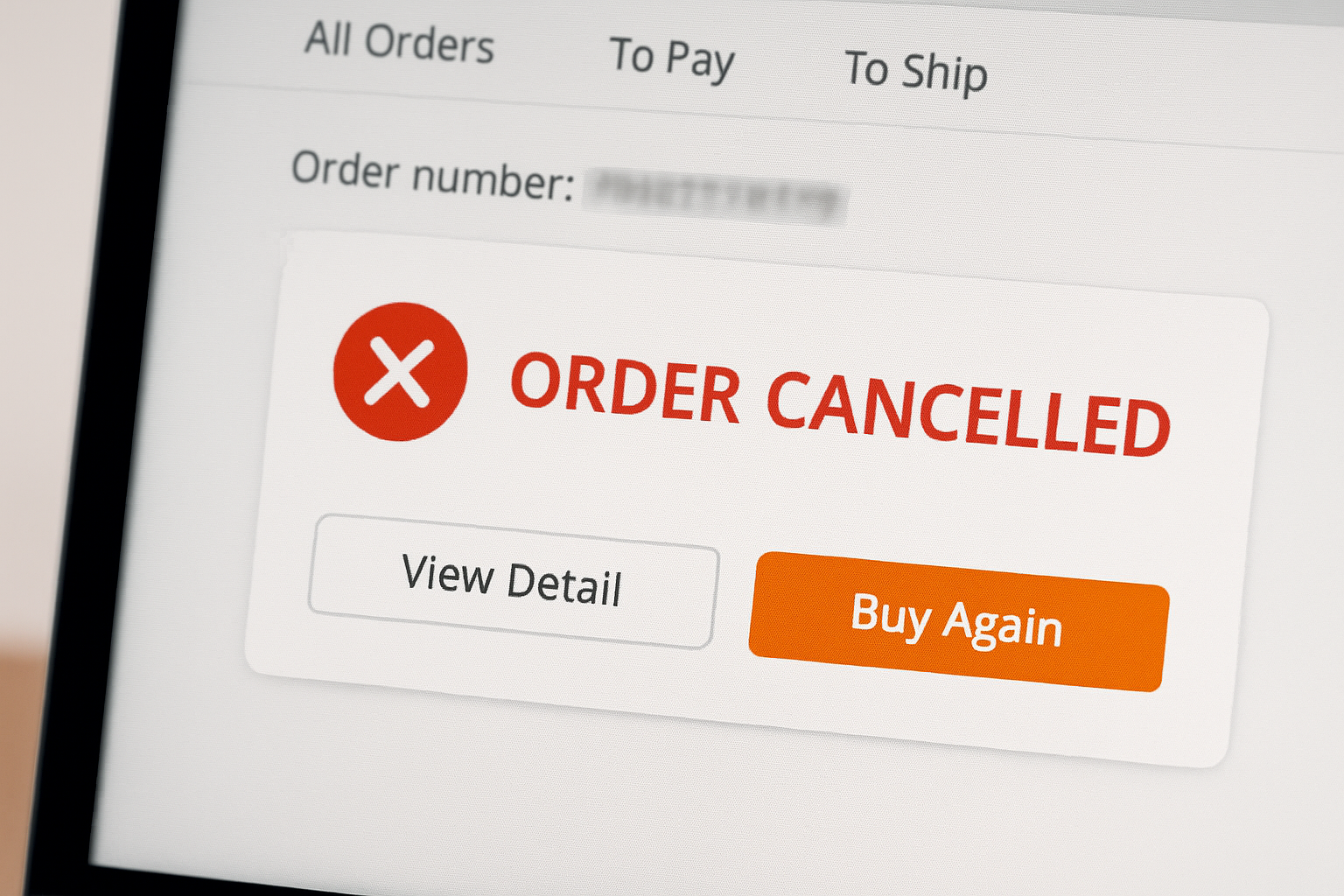
We have seen every cancellation scenario across our testing accounts. Last year, one order was auto-cancelled because the seller missed the processing deadline during Chinese New Year. Another showed “Shipment Cancelled” after tracking indicated the package was returned by Chinese customs (we were ordering a power bank with a battery that exceeded shipping limits). In both cases, refunds arrived within 10 days without opening a dispute. The only time we needed to escalate was when a seller provided a fake tracking number that showed “delivered” in a different city.
This guide explains what each cancellation status means, when refunds happen automatically, and when you need to take action.
Table of Contents
When your order shows “Shipment Cancelled”
“Shipment Cancelled” appears when something goes wrong after the seller generated a tracking number but before (or during) transit. The package was supposed to ship but did not reach the carrier or was rejected.
Common causes:
| Cause | What happened |
|---|---|
| Courier did not pick up | Seller created the label, but the package was never collected from their warehouse |
| Rejected at sorting center | Package failed inspection, was damaged, or had incorrect documentation |
| Chinese customs rejection | Item contained restricted materials (batteries, liquids, magnets) or was flagged as counterfeit |
| Carrier capacity exceeded | During peak seasons, carriers may reject packages that exceed their processing capacity |
| Incorrect tracking number | Seller entered a wrong or recycled tracking number |
Tracking may show messages like:
- “Exception: Parcel handling issue”
- “Returned to sender”
- “Cancelled by logistics provider”
- “Shipment information received” (then nothing for 8-14 days, followed by cancellation)
What to do:
- Contact the seller through your order page and ask what happened
- If the seller provides a new tracking number, wait for it to update (give it 3-5 days)
- If the seller does not respond within 48 hours, refuses to explain, or cannot provide a new tracking number, open a dispute immediately
AliExpress sides with the buyer when a shipment is cancelled. You will receive a full refund.
When AliExpress automatically cancels your order
Every seller must ship within a timeframe called “Processing Time” (visible on the product page and in your order details). If they fail to ship before the countdown ends, AliExpress cancels the order automatically.
Why sellers miss the deadline:
| Reason | Explanation |
|---|---|
| Out of stock | The item sold out faster than the seller updated inventory |
| Holiday closures | Chinese New Year, 11.11, National Day, etc. Warehouses close but listings stay active |
| Warehouse delays | Internal logistics issues preventing shipment |
| Inventory error | Seller listed stock they did not actually have |
| Supplier issues | For dropshipping sellers, their own supplier may have failed to deliver |
What happens:
- AliExpress initiates a full refund automatically
- No dispute is needed
- Refund processing begins immediately
If you still want the item:
Contact the seller before the auto-cancel happens. Ask if it will be restocked and when. If you used a valuable coupon or got a good price, ask the seller to extend the processing time so the order is not cancelled. Sellers can do this from their end.
When the seller cancels the order manually
Sellers have the ability to cancel orders from their side. They may be penalized for doing so (affects their store rating), but some do it anyway.
Common reasons for seller cancellation:
| Reason | What it means for you |
|---|---|
| Stock sold out | Item is no longer available |
| Pricing error | Seller listed the wrong price and refuses to honor it |
| Shipping restrictions | Seller cannot ship to your country |
| Coupon abuse suspicion | Seller believes you exploited a discount they did not intend to offer |
| Logistics problems | Carrier issues, customs restrictions, or packaging problems |
What happens:
- You receive an automatic full refund
- No dispute is needed
Be cautious: Some sellers ask YOU to cancel the order (instead of them doing it) to avoid penalties on their account. See the section below on how to handle this.
What to do when the seller asks YOU to cancel
This is a common situation. The seller sends a message like “Please cancel order, we have no stock” or “Please cancel, shipping to your country is problem.”
Do not cancel if:
- You paid a very low price (flash sale, coupon stacking, pricing error)
- You used valuable coupons that will not be restored
- You do not trust the seller to actually refund you
- You suspect the seller is trying to avoid shipping at the agreed price
What to say:
Reply politely: “If you need to cancel, please cancel it from your side. I cannot cancel from mine.”
Most sellers will give up and either ship the item or cancel it themselves (triggering your automatic refund). If they refuse and the order sits in limbo, wait for the processing time to expire (auto-cancel) or contact AliExpress support.
Why this matters: When you cancel, you lose leverage. When the seller cancels or AliExpress auto-cancels, the refund is guaranteed and immediate.
Order closed due to security reasons
AliExpress may close an order immediately after payment if their security systems flag it as suspicious.
Common triggers:
| Trigger | Why it happens |
|---|---|
| Welcome coupon on a used address | Creating new accounts to reuse new-user coupons on the same shipping address is flagged as fraud |
| Payment verification failure | Card details do not match, or bank declined the transaction |
| Multiple accounts on same device/IP | AliExpress detects the same browser fingerprint or IP placing orders across accounts |
| Mismatched billing and shipping info | Card from one country, shipping to another, ordered from a third location |
| High-volume ordering | Dropshippers placing many orders in a short time may trigger fraud detection |
| Previous policy violations | If your account has past strikes, new orders may be scrutinized |
What happens:
- Order is closed automatically
- Refund is processed automatically (if payment was captured)
- You may see a message like “We have to cancel this order due to security issues”
How to fix it:
- Remove welcome coupons and reorder
- Ensure your billing details match your bank account
- Try a different payment method
- Verify your identity if AliExpress prompts you (may require uploading ID documents)
- Wait 24 hours before placing another order
If you are a dropshipper approaching $10,000/day in orders, contact AliExpress support proactively and provide business documentation. This prevents automatic security closures on high-volume accounts.
Order closed because AliExpress suspended the seller
AliExpress freezes seller accounts when it detects serious violations:
- Fake tracking numbers
- Selling counterfeit items
- Abusing promotions
- High volume of buyer complaints
- Fraud investigations
When a seller is suspended, ALL their open orders are automatically closed.
What happens:
- AliExpress initiates full refunds for all affected orders
- No action required from you
- Refunds return to your original payment method
This is one scenario where you cannot prevent the cancellation. The good news is that refunds are automatic and typically process within 7-14 days.
Order closed because payment was not completed
If you added items to your cart and started checkout but did not complete payment, the order eventually expires and closes.
Common reasons for incomplete payment:
| Issue | Solution |
|---|---|
| Card not enabled for international purchases | Enable international transactions in your bank app |
| Insufficient balance | Add funds before retrying |
| Incorrect card details | Re-enter card number, expiration, and CVV carefully |
| Bank blocking foreign transactions | Call your bank and authorize the AliExpress charge |
| Currency conversion error | Set AliExpress to USD and ensure your card supports it |
| Payment timeout | Retry within the countdown period |
What happens:
- No refund needed (you were never charged)
- The order simply expires
If you still want the item, start a new order. Note that any coupons applied to the expired order may be lost.
The 15-day dispute window (and why timing matters)
This is a detail many buyers miss: the dispute window is based on the estimated delivery date, not the order closed date.
How it works:
- Every order has an estimated delivery date (processing time + shipping time)
- You can open a dispute starting from when buyer protection time begins expiring
- The dispute window typically closes 15 days after the estimated delivery date
Example:
- Order placed: January 1
- Estimated delivery: March 1
- Dispute window closes: March 16
If your order shows “Closed” on February 15 but estimated delivery was March 1, you still have until March 16 to file a dispute.
Check your remaining time:
Go to My Orders > View Details. Look for the buyer protection countdown timer. This tells you exactly how many days you have left to open a dispute.
When to open a dispute:
| Scenario | Action |
|---|---|
| Refund is automatic (seller never shipped, seller cancelled, security closure) | Wait for refund; no dispute needed |
| Shipment cancelled after tracking was assigned | Open dispute if seller does not provide new tracking within 48 hours |
| Seller not responding | Open dispute |
| Tracking shows delivered but you did not receive | Open dispute with evidence |
| Item arrived damaged or wrong | Open dispute with photos |
When refunds are automatic vs. when you need to dispute
Automatic refunds (no dispute needed):
- Seller never shipped (processing time expired)
- Seller cancelled the order
- AliExpress closed the order for security reasons
- AliExpress suspended the seller
- Payment was never completed
Prepare
Setting up the right environment is crucial for your pet’s health and happiness.
You must open a dispute:
- Shipment was cancelled after a tracking number was assigned
- Seller refuses to explain what happened
- Seller does not provide a new tracking number
- Package was returned by customs (seller’s fault)
- Tracking shows “delivered” but you did not receive the item
Prepare
Setting up the right environment is crucial for your pet’s health and happiness.
How to open a dispute:
- Go to My Orders
- Find the order and click “Open Dispute”
- Select “Shipment Problem” or “Item not received”
- Upload evidence (screenshots of tracking showing cancellation, chat history with seller)
- Request a full refund
Prepare
Setting up the right environment is crucial for your pet’s health and happiness.
If the seller does not respond or agree within 5 days, the dispute escalates to AliExpress for arbitration. AliExpress makes the final decision, typically within 7-10 days. In our experience, cancelled shipment disputes are resolved in the buyer’s favor nearly 100% of the time.
How to check refund status
Once a refund is initiated, you can track its progress:
- Go to My Orders
- Click on the order
- Select the “Payment” or “Finance” tab
- Look for the three-dot refund progress indicator
The three stages:
| Stage | Meaning |
|---|---|
| Refund initiated (first dot orange) | AliExpress has started processing |
| Refund processing (second dot orange) | Funds are being transferred |
| Refund completed (all three dots orange) | Money has been sent to your payment method |
Typical refund times:
| Payment method | Time to receive refund |
|---|---|
| AliPay balance | Instant to 48 hours |
| PayPal | 1-3 days |
| Debit/credit card | 3-20 business days (depends on your bank) |
| Virtual/prepaid card | 3-14 days |
If your card has expired or you closed the account, the refund goes to the underlying account or bank associated with that card. Contact your bank if the refund is delayed beyond 20 business days.
Using the ARN code:
AliExpress provides an ARN (Acquirer Reference Number) for card refunds. You can give this code to your bank to trace the refund if it has not appeared in your account. Find it in the Payment tab of your order details.
Preventing future cancellations
For regular buyers:
- Check seller ratings before ordering. Stores with low ratings or few reviews are more likely to cancel.
- Avoid ordering during major holidays. Chinese New Year (late January/February) and 11.11 cause significant shipping delays.
- Use one account. Multiple accounts with the same address or payment method trigger security closures.
- Do not abuse coupons. Using welcome coupons repeatedly on the same address will get orders cancelled.
- Keep payment information consistent. Same card, same billing address, same shipping address reduces fraud flags.
For dropshippers:
- Inform your bank about high-volume international purchases before you start.
- Contact AliExpress support if your daily order volume approaches $10,000. Request a volume increase.
- Use AliExpress Pocket (their internal wallet) to reduce per-transaction fraud triggers.
- Avoid placing too many orders in a single session. Spread them out.
- Keep disputes to a minimum. High dispute rates flag your account for review.
Final thoughts
Most cancellations are harmless and result in automatic refunds. The key points to remember:
- If the seller never shipped or cancelled, refund is automatic
- If shipment was cancelled after tracking was assigned, contact the seller first, then dispute if no response
- The dispute window is based on estimated delivery date, not order closed date
- Never cancel an order yourself when the seller asks you to; let them cancel or let it auto-cancel
We have been through dozens of cancellations and always received refunds. The only times we needed to open disputes were when tracking showed fake delivery information. For standard cancellations, the system handles it automatically.
FAQ
1. What does “Order Closed” mean on AliExpress?
“Order Closed” means the transaction is finished and no further action can be taken on that order. It can happen because the buyer confirmed delivery, the seller cancelled, AliExpress auto-cancelled due to non-shipment or security reasons, or the dispute was resolved. In most cases where you did not receive your item, a refund is processed automatically.
2. How long does a refund take after an order is cancelled?
AliPay balance refunds are instant to 48 hours. PayPal refunds take 1-3 days. Card refunds take 3-20 business days depending on your bank. During peak seasons (11.11, Christmas), processing may take longer.
3. Do I need to open a dispute if my order was cancelled?
Not always. If the seller never shipped or cancelled before shipping, the refund is automatic. You only need to open a dispute if the shipment was cancelled after a tracking number was assigned and the seller is not providing a resolution.
4. What should I do if the seller asks me to cancel?
Do not cancel. Reply: “If you need to cancel, please cancel from your side.” When you cancel, you lose leverage. When the seller cancels, your refund is guaranteed.
5. How do I check if my refund has been processed?
Go to My Orders > Order Details > Payment tab. Look for the three-dot progress indicator. When all three dots are orange, the refund has been sent. You can also request the ARN code from AliExpress and give it to your bank to trace the refund.

Leave a Reply