

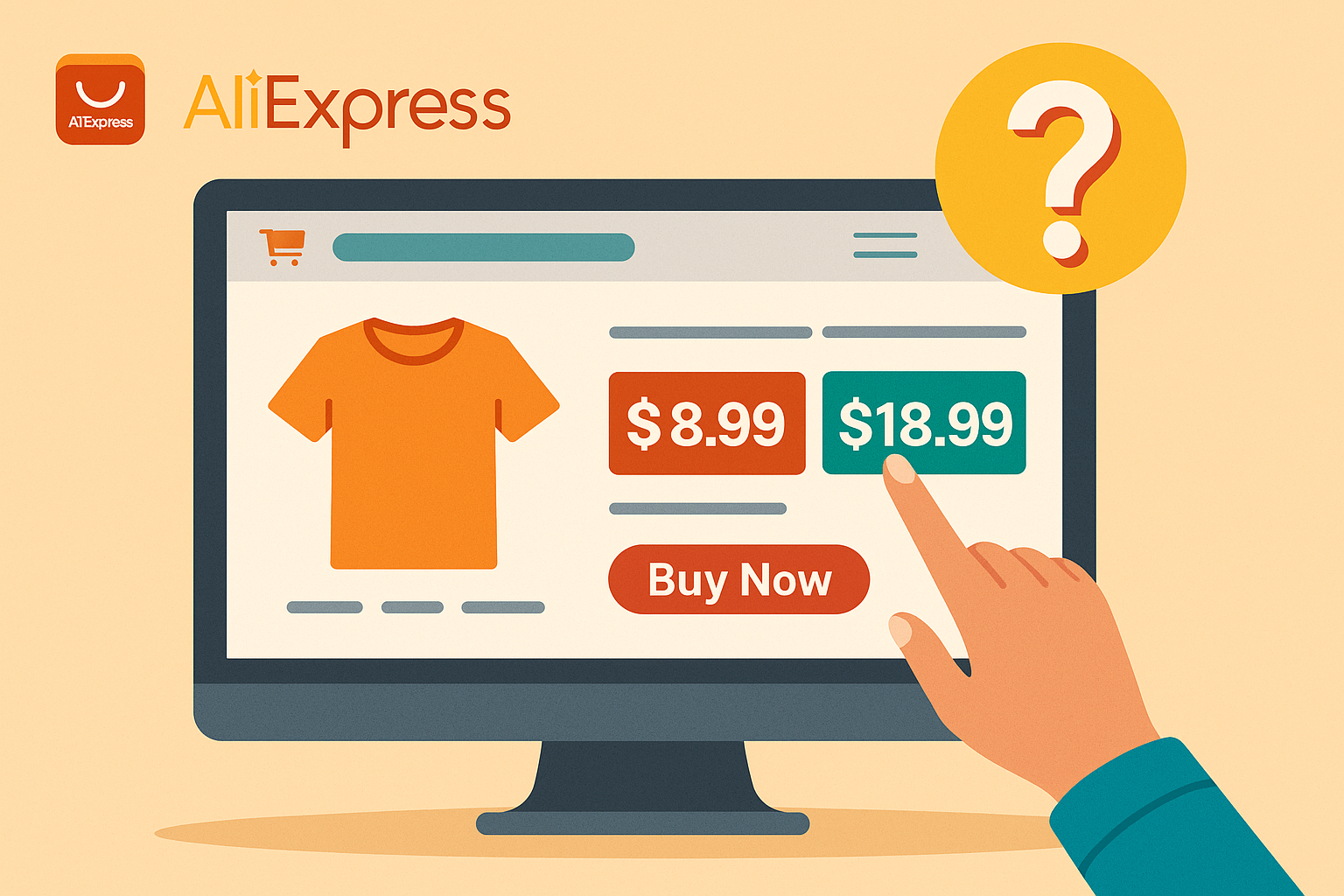
We order from AliExpress weekly for product testing, and the two-price situation happens constantly. Last month, we saw a set of screwdriver bits listed at $2.49 on the search page. When we clicked through, the product page showed $8.99. The reason: the $2.49 price was for a single replacement bit, not the full set. The listing title said “Screwdriver Bit Set,” but the cheapest variation was a single piece. This is how AliExpress pricing works, and once you understand it, the confusion disappears.
Table of Contents
Why AliExpress shows two (or more) prices
The search results page shows the lowest possible price for any listing. This is almost always the cheapest variation available, which may not be the product you actually want.
When you open the listing, the price adjusts based on:
- The specific variation you select (size, color, quantity, version)
- Your shipping destination
- Whether a sale has started yet
- Store coupons or discounts that apply automatically
The price range you see (like “$3.49 – $12.99”) represents the spread from the cheapest option to the most expensive one. The final price depends entirely on which variation you choose.
Product variations that change the price
Most AliExpress listings include multiple product versions under a single page. Each version can have a different price.
| Variation type | Example | Price impact |
|---|---|---|
| Size | XS vs. XXL clothing | Larger sizes often cost more |
| Quantity | 1-pack vs. 10-pack | Bulk options cost more total but less per unit |
| Color/style | Basic vs. premium finish | Premium colors may have upcharges |
| Version | “Basic” vs. “Full Set” | Full sets include accessories |
| Material | Plastic vs. metal | Metal or upgraded materials cost more |
| Storage/capacity | 16GB vs. 256GB | Higher capacity = higher price |
| Accessories | “Lens only” vs. “Camera + 2 lenses” | Bundles cost more |
The lowest price shown in search results is often for:
- The smallest size
- A single unit instead of a set
- An accessory rather than the main product
- A limited or less popular color
- A “basic” version without extras
This is not a bug or a scam. It is how the platform displays variation-based listings. But it does mean you need to check what you are actually buying.
Why prices change when you click the listing
The price jump from search page to product page has a few causes:
1. Default variation selection Some listings auto-select a mid-range or popular variation when you open them, not the cheapest one. The search showed the cheapest; the product page shows a different default.
2. Sale previews During major sales (11.11, Black Friday, Anniversary Sale), AliExpress shows the upcoming sale price on search pages before the sale starts. When you click through, you see the current higher price because the sale has not begun yet. Once the sale goes live, the price matches.
3. Shipping not included The search page price sometimes excludes shipping. When you open the listing and enter your address, shipping costs are added to the total.
4. Location-based pricing AliExpress adjusts some prices based on your detected location. If your search was done with one location setting and the product page detects another, prices can differ.
How to see what each variation includes
Before selecting any option, check what it actually contains.
On desktop: Hover your mouse over each variation option. A tooltip appears showing what is included. For example, hovering over a camera bundle might show “Camera body + 2 lenses + case” while another option shows “Camera body only.”
On mobile app: Tap each variation option. A brief description appears showing what the option includes.
In the product description: Scroll down to the product description. Sellers typically include a comparison chart or list explaining what each bundle contains. This is especially common for electronics, tools, and clothing sets.
If it is still unclear: Use the “Contact Seller” button and ask directly. A quick message like “Does option B include the case?” usually gets a response within hours.
Why prices change at checkout
Even after selecting your variation, the final checkout price can differ from what you saw on the product page.
| Reason | Effect on price |
|---|---|
| Shipping costs added | Price increases based on your country and selected shipping method |
| Store coupons applied | Price decreases if you meet the coupon threshold |
| AliExpress coupons applied | Price decreases if you have platform-wide coupons |
| Bulk discount triggered | Price decreases if your order exceeds a store’s minimum for discounts |
| Sale not yet active | Price stays higher until the promotion officially starts |
| Coins or points applied | Price decreases if you use AliExpress rewards |
The checkout screen is the only price that matters. Everything before it is an estimate.
Currency conversion charges
If the price on your bank statement is higher than what you saw at checkout, currency conversion is likely the cause.
AliExpress processes payments in USD, EUR, GBP, and RUB. If your local currency is not one of these, your bank converts the amount, often adding:
To check: compare the checkout total in USD with the amount on your statement. If there is a difference, contact your bank to see their fee structure for international purchases.
Some users avoid this by using a multi-currency card or PayPal, which may offer better exchange rates than traditional bank conversions.
Sale pricing and timing
During AliExpress sales, pricing gets more confusing because of how previews work.
Warm-up period (before the sale):
AliExpress shows the upcoming sale price on promotional banners and search results. But if you click through and try to buy, you see the regular price. The sale price only applies once the event officially starts.
During the sale:
Prices match what was advertised, assuming stock is available. Some deals sell out within hours, especially on opening day.
After the sale:
Prices return to normal, sometimes higher than before the sale. Some sellers raise prices slightly in the days after a promotion ends.
Fake discounts:
Not all “discounts” are real. Some sellers inflate the “original price” before a sale to make the discount look larger. A product showing “70% off – was $50, now $15” may have been selling at $15 for months before the “sale.”
How to check if a discount is real (price tracking tools)
This is the most reliable way to avoid fake discounts: check the product’s price history before buying.
Browser extensions that track AliExpress prices:
| Tool | What it does |
|---|---|
| AliHelper | Shows 6-month price history on product pages; flags fake discounts in red if the price recently increased |
| Pricearchive.org | Paste any AliExpress product link to see historical prices and identify whether the current “discount” is real |
| AliPrice | Tracks price changes and sends alerts when items drop to your target price |
How to use them:
- Install the extension or visit the price tracking site
- Go to the AliExpress product page (or paste the URL)
- View the price history chart
- Look for patterns: if the price was steady at $15 for months, then jumped to $30 last week, and now shows “50% off at $15,” the discount is fake
We use AliHelper on every testing account. During the 11.11 sale last year, about 30% of the items in our wish list had price increases in the week before the sale, then “discounts” that brought them back to the original price. The price history caught every one.
Desktop vs. mobile price differences
If you see different prices on your computer and phone for the same product, check your currency settings first.
AliExpress sets the display currency based on your location and app settings. It is possible to have:
The prices look different, but they may convert to the same amount. Change both to the same currency and compare again.
Other causes of desktop/mobile price differences:
Tips to avoid price confusion
Practical steps we follow on every order:
Final thoughts
The two-price situation on AliExpress is not deceptive by design, but it does require attention. The search page shows the lowest possible price to attract clicks. The product page shows the real price based on what you actually select. Once you understand this, shopping becomes straightforward.
The one area where caution is genuinely needed is fake discounts. Price tracking tools solve this completely. A quick check before any purchase over $10 takes seconds and has saved us from overpaying dozens of times.
And always look AliBest Finds For updated info.
FAQ
1. Why does AliExpress show a lower price in search results than on the product page?
The search page displays the lowest price from all available variations. When you open the listing, the price reflects the specific variation selected, which is often not the cheapest option.
2. Is the crossed-out “original price” on AliExpress real?
Not always. Some sellers inflate the original price to make discounts appear larger. Use a price tracking tool like AliHelper or Pricearchive.org to see the actual price history before buying.
3. Why is the price different on my phone vs. my computer?
Check that both devices are set to the same currency. AliExpress adjusts display currency based on location settings, which can differ between devices. The underlying price is usually the same.
4. Why did my bank charge more than the AliExpress checkout showed?
Your bank likely added currency conversion fees. AliExpress processes payments in USD, EUR, GBP, and RUB. If your currency is different, your bank converts it and may add 1-3% in fees.
5. How do I know if a sale discount is real?
Check the price history using a browser extension or Pricearchive.org. If the price was raised shortly before the sale, the “discount” may just be returning it to normal. Real discounts show a consistent price before the drop.

Leave a Reply