

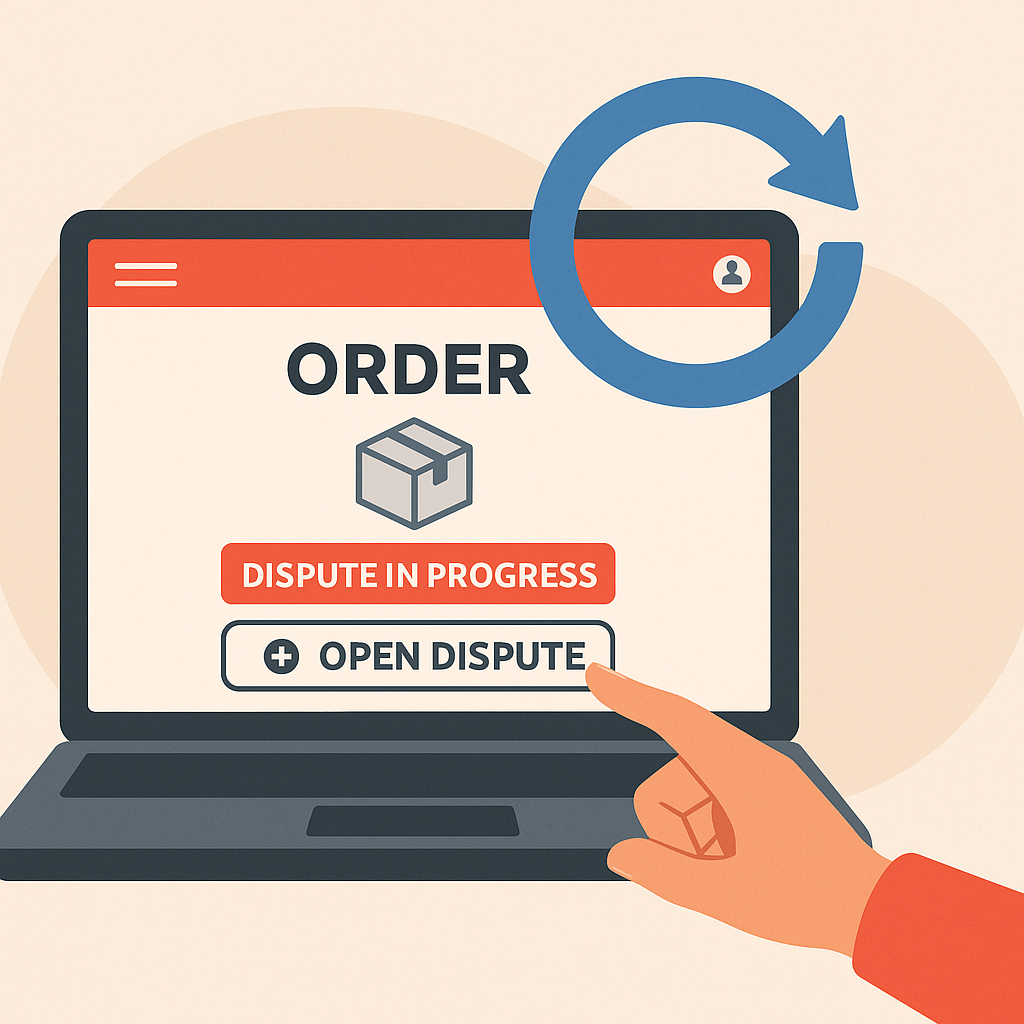
We have filed second disputes twice across our testing accounts. Both times, the first dispute was cancelled because the seller promised to resend the item (they did not). In one case, we won the second dispute with a full refund after uploading better evidence. In the other, we learned an expensive lesson: we had waited too long after cancelling, and buyer protection had expired. The second dispute button never appeared.
This guide explains exactly when you can file a second dispute, how to do it, and what to do if the option is no longer available.
Table of Contents
Can you open a second dispute on AliExpress
Yes, but only under specific conditions.
You CAN open a second dispute if:
- You cancelled the first dispute yourself (clicked “Cancel Dispute”)
- The first dispute closed without a resolution
- Your buyer protection period is still active OR you are within 15 days of order completion
You CANNOT open a second dispute if:
- You accepted the seller’s proposal
- You accepted AliExpress’s resolution
- The dispute was auto-closed because you did not respond in time
- Buyer protection has fully expired (more than 15 days past delivery confirmation)
The key distinction: cancelled disputes allow reopening. Resolved disputes do not.
When are you allowed to cancel a dispute
You can cancel a dispute at any time before it is resolved.
This includes:
- While waiting for the seller to respond (first 5 days)
- After the seller has responded but before you accept their proposal
- After AliExpress has made a proposal but before you accept it
You cannot cancel if:
- You already accepted a proposal (seller’s or AliExpress’s)
- The system auto-closed the dispute due to no response from you
- AliExpress issued a final, binding decision
Once a dispute is resolved in any of these ways, it is permanently closed.
When is it too late to file a second dispute
The timing window for a second dispute is the same as for a first dispute:
| Situation | Deadline |
|---|---|
| Order still shows “Shipped” or “In Transit” | Dispute available until buyer protection expires |
| Order shows “Delivered” | 15 days from the delivery date |
| Buyer protection timer visible | Until the timer reaches zero |
| Buyer protection expired | No dispute possible |
Check your order details. If you see an “Open Dispute” button, you can file. If the button is missing, the window has closed.
Our advice: If you cancel a dispute, file the second one immediately. Do not wait. Buyer protection continues counting down even when you have no active dispute.
How to file a second dispute on a computer
- Go to My AliExpress > My Orders
- Find the order and click “Order Details”
- If your first dispute is still showing as active, click “Dispute in Progress” then “Cancel Dispute”
- After cancellation, return to the order details page
- Click “Open Dispute”
- Select the reason for your dispute
- Upload evidence (photos, videos, screenshots)
- Specify the refund amount you are requesting
- Submit the dispute
If the “Open Dispute” button does not appear after cancelling, your buyer protection has expired.
How to file a second dispute on the app
- Open the AliExpress app
- Tap Account > Orders > View All
- Find the order
- If your first dispute is active, tap “Dispute in Progress” then “Cancel Dispute”
- After cancellation, return to the order
- Tap “Open Dispute”
- Select your reason and upload evidence
- Specify refund amount and submit
The process mirrors the desktop version. The same timing rules apply.
How to strengthen your evidence for the second dispute
Many buyers win their second dispute after losing or cancelling the first. The difference is usually better evidence.
What to include in a second dispute:
| Evidence type | Examples |
|---|---|
| Photos | Clear images of the problem (damage, wrong item, missing parts) |
| Video | Unboxing footage, demonstration of defect, side-by-side comparison with listing |
| Screenshots | Product listing showing description mismatch, chat history with seller |
| Tracking data | Screenshot showing tracking stuck, wrong destination, or “returned to sender” |
| Measurements | Photo with ruler showing incorrect size compared to listing |
Tips for a stronger case:
- Be specific. Instead of “item is bad quality,” say “item is plastic, listing said stainless steel.”
- Reference the listing. Screenshot the seller’s description and highlight the discrepancy.
- Include timestamps. If your video shows a defect, make sure the order number or packaging is visible.
- Request the right amount. Ask for full refund if the item is unusable. Ask for partial refund if the item is usable but not as described.
- Do not accept vague promises. If the seller says “wait a few more days” or “I will send another,” do not cancel without a concrete resolution.
The second dispute is reviewed by a different agent. Better evidence can change the outcome entirely.
Will AliExpress give the same decision again
Not necessarily.
Several factors can lead to a different outcome:
- A different AliExpress agent may review your case
- You can upload new or stronger evidence
- The seller may change their position (some sellers settle quickly to avoid escalation)
- Your explanation may be clearer the second time
Buyers who cancelled a weak first dispute often win the second one by presenting more complete documentation.
Do you risk your account by opening a second dispute
No. Filing a second dispute is allowed and will not penalize your account.
What can penalize your account:
| Action | Risk |
|---|---|
| Filing fake disputes | Account restriction or ban |
| Threatening or blackmailing sellers | Account restriction |
| Opening excessive disputes without valid reasons | Pattern may be flagged |
| Using multiple accounts to exploit coupons | Account ban |
| Confirming delivery then claiming non-receipt | Dispute may be denied; account flagged |
Filing a legitimate dispute, even twice on the same order, is within AliExpress rules.
What if you already accepted the first decision
If you accepted the seller’s proposal or AliExpress’s resolution, the dispute is permanently closed. A second dispute is not possible.
Your remaining options:
| Option | How it works |
|---|---|
| Appeal (within 7 days) | Contact AliExpress support and request a review of the closed dispute. You have 7 days from the resolution date. |
| Leave a review | Post an honest review on the seller’s page to warn other buyers |
| Report the seller | Use the “Report” function if you believe the seller engaged in fraud |
| Contact support | Reach out via chat to explain your situation (rarely successful but worth trying) |
The appeal option is your best chance after a resolved dispute.
The appeal option (when a second dispute is not possible)
If your dispute was resolved (not cancelled) and you are unhappy with the outcome, you can appeal within 7 days.
How to appeal:
- Go to AliExpress Help Center
- Click “Online Service” or “Chat with Eva”
- Type “appeal dispute” or “I want to appeal”
- Request to speak with a human agent
- Provide your order number and explain why you believe the resolution was unfair
- Upload any additional evidence you have
What helps an appeal succeed:
- New evidence that was not included in the original dispute
- Clear documentation that the original decision was wrong
- Specific policy violations by the seller (fake tracking, counterfeit goods, etc.)
Appeals are reviewed by a different team than the original dispute. Success is not guaranteed, but it is your only path after accepting a resolution.
Important: After 7 days from the resolution, no further action is possible through AliExpress.
Why sellers ask you to cancel disputes (and why you should not)
A common scenario: you open a dispute, and the seller messages you asking to cancel it. They promise to:
- Resend the item
- Refund you directly via PayPal
- Give you a discount on a future order
- “Fix the problem” without specifying how
Do not cancel your dispute for these reasons.
Here is why:
| Seller promise | Risk |
|---|---|
| “I will resend the item” | If you cancel and they do not resend, you must file a second dispute (if still possible) |
| “I will refund you via PayPal” | AliExpress cannot enforce PayPal refunds; seller may reclaim the money |
| “Give me a few more days” | Buyer protection keeps counting down; you may lose your dispute window |
| “I will give you a coupon” | Coupon is not compensation for a failed order |
The safe approach:
- Do not cancel until you have received the refund in your AliExpress account or the replacement item in your hands
- If the seller wants to resend, ask them to propose this within the dispute system (AliExpress can enforce it)
- If buyer protection is about to expire, do not cancel under any circumstances
Sellers ask you to cancel because it saves their metrics. Protect yourself first.
Contact AliExpress support if you are unsure
If you are uncertain whether a second dispute is possible for your order, contact AliExpress directly.
What support can check:
- Whether your buyer protection is still active
- Whether your dispute window is still open
- Whether your first dispute was cancelled correctly
- Whether an appeal is available
How to reach support:
- Go to the AliExpress Help Center
- Click “Online Service” or “Chat with Eva”
- Type “talk to agent” or “real person” to escalate past the bot
- Describe your situation and ask for confirmation
Support agents can see your account status and give you a definitive answer.
Final thoughts
You can file a second dispute on AliExpress, but only if you cancelled the first one before it was resolved. Once you accept a proposal or let the system auto-close the dispute, your only option is the 7-day appeal window.
The two mistakes we see most often:
- Cancelling a dispute because the seller promised to “fix it” (they often do not)
- Waiting too long after cancelling, losing the dispute window entirely
If you need to cancel and refile, do it immediately with better evidence. And never cancel a dispute based on promises alone.
FAQ
1. Can I open a second dispute on AliExpress?
Yes, but only if you cancelled the first dispute before it was resolved. If you accepted the seller’s or AliExpress’s decision, or if the system auto-closed it, a second dispute is not possible.
2. How long do I have to file a second dispute?
The same as a first dispute: while buyer protection is active, or within 15 days of delivery confirmation. Check your order details for the “Open Dispute” button.
3. Will AliExpress give me the same decision on the second dispute?
Not necessarily. A different agent may review your case, and stronger evidence can lead to a different outcome. Many buyers win their second dispute after improving their documentation.
4. What if I already accepted the resolution and want to reopen?
A second dispute is not possible after acceptance. However, you can appeal within 7 days by contacting AliExpress support and requesting a review.
5. Should I cancel my dispute if the seller promises to resend or refund me directly?
No. Do not cancel until you have received the refund in your AliExpress account or the item in your hands. Seller promises made outside the dispute system are not enforceable.

Leave a Reply