

Have you ever been asked for your AliExpress User ID while filling out a form or contacting customer support and had no idea where to find it? You’re not alone. While you know your email and password, this unique number can feel like a hidden piece of information. It’s a crucial identifier for your account, but it’s not something you use every day.
This guide will demystify the AliExpress User ID. We will explain exactly what it is, why it’s important, and provide clear, step-by-step instructions on how to find it on both the desktop website and the mobile app. After reading this, you’ll be able to locate your User ID in seconds whenever you need it.
What Is the AliExpress User ID?
Your AliExpress User ID, also known as a Member ID, is a unique string of numbers automatically assigned to your account when you register. It is different from your login email, phone number, or the display name on your profile. Think of it as your account’s official identification number within the AliExpress system.
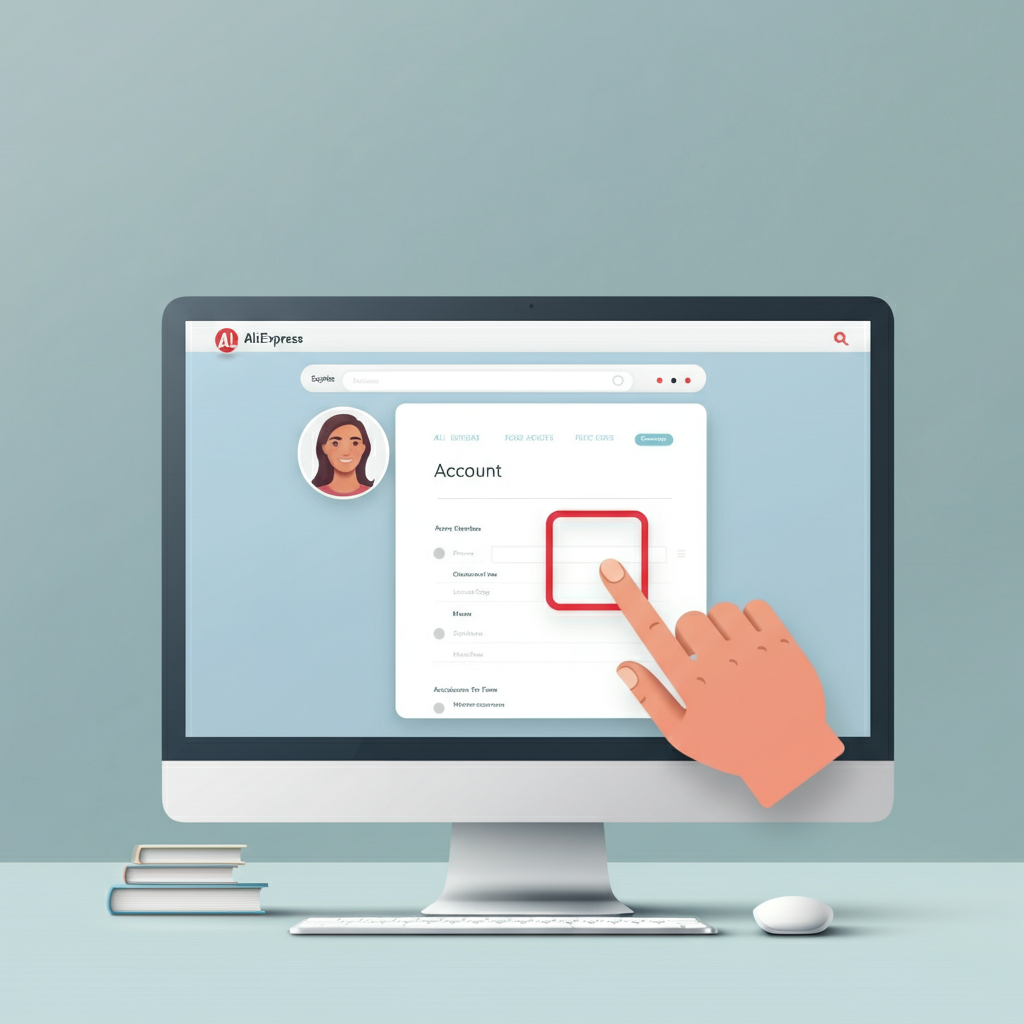
While you don’t need it for daily shopping, this ID becomes essential for certain administrative tasks. It allows AliExpress support agents and automated systems to pinpoint your exact account without any confusion, ensuring that any requests or changes are applied to the correct person. It’s a behind-the-scenes identifier that guarantees accuracy when managing your account.
How to Find Your User ID on Desktop
Finding your User ID on a computer is a straightforward process that takes less than a minute. Just follow these simple steps.
1. Log In to Your Account
First, navigate to the AliExpress website and log in to your account. You can use your email, Google account, or any other method you typically use.
2. Go to Your Account Settings
Once logged in, hover your mouse over your name and profile picture in the top-right corner of the screen. A dropdown menu will appear. Click on “Account” to go to your main account dashboard.
3. Navigate to Profile Settings
On the left-hand side of the account dashboard, you’ll see a navigation menu. Look for the “Settings” section and click on “Edit Profile.”
4. Locate Your User ID
In the “Edit Profile” section, you will see your “Member ID” listed clearly near the top. This string of numbers is your unique AliExpress User ID. You can now copy it to use wherever it’s needed.
How to Find Your User ID on Mobile
Finding your User ID on the AliExpress mobile app is just as easy. The menus are slightly different, but the process is quick.
1. Open the App and Go to ‘Account’
Launch the AliExpress app on your smartphone and make sure you are logged in. Tap on the “Account” icon, which is usually located in the bottom-right corner of the screen.
2. Access Settings
On your account page, look for the gear icon, which represents “Settings.” It is typically found in the top-right corner. Tap on it to proceed.
3. Open Your Profile
Inside the Settings menu, tap on the “Profile” option at the top of the list.
4. Find Your User ID
In your profile, you will see a section titled “Account Info.” Your “User ID” will be displayed right there. You can easily copy this number for any forms or support requests.
FAQs About AliExpress User IDs
Here are answers to some frequently asked questions about the AliExpress User ID.
Can I change my User ID?
No, you cannot change your AliExpress User ID. It is a permanent number assigned to your account upon creation and serves as a unique, unalterable identifier. It is not meant to be personalized like a username.
Is my User ID the same as my username?
No, they are two different things. Your username is the public-facing name that you can set and change on your profile. Your User ID is a private, permanent number used by the AliExpress system to identify your account internally.
What is the User ID for?
The main purpose of the User ID is for administrative and support-related tasks. You might need it when:
Filling out official AliExpress forms (e.g., for disputes or appeals).
Communicating with customer service agents who need to identify your account precisely.
Logging in, as it can be used in place of your email address (though most people find their email easier to remember).
Conclusion
Your AliExpress User ID is a vital piece of account information, even if you don’t use it frequently. Knowing how to find it quickly on both desktop and mobile can save you time and frustration when you need it most. By following the simple steps outlined in this guide, you can easily locate this number and handle any administrative requests with confidence.
Bookmark this page so you can refer back to it anytime you need a quick reminder. With this knowledge, you are better equipped to manage your AliExpress account effectively and resolve any issues that may require official identification.

Leave a Reply