

AliExpress tracks the items you view to personalize your shopping experience, offering recommendations based on your interests. This feature allows you to easily find products you’ve looked at but haven’t purchased. However, if you share your account with a family member or friend, you might prefer to keep your browsing activity private.
This guide will walk you through everything you need to know about managing your AliExpress viewing history. We will cover where to find it, who has access to it, and provide clear instructions on how to delete or completely deactivate it on both the desktop website and the mobile app.
Where is Your AliExpress History Located?
Your viewing history logs all items you have looked at within the last 30 days. To find it, follow these steps:
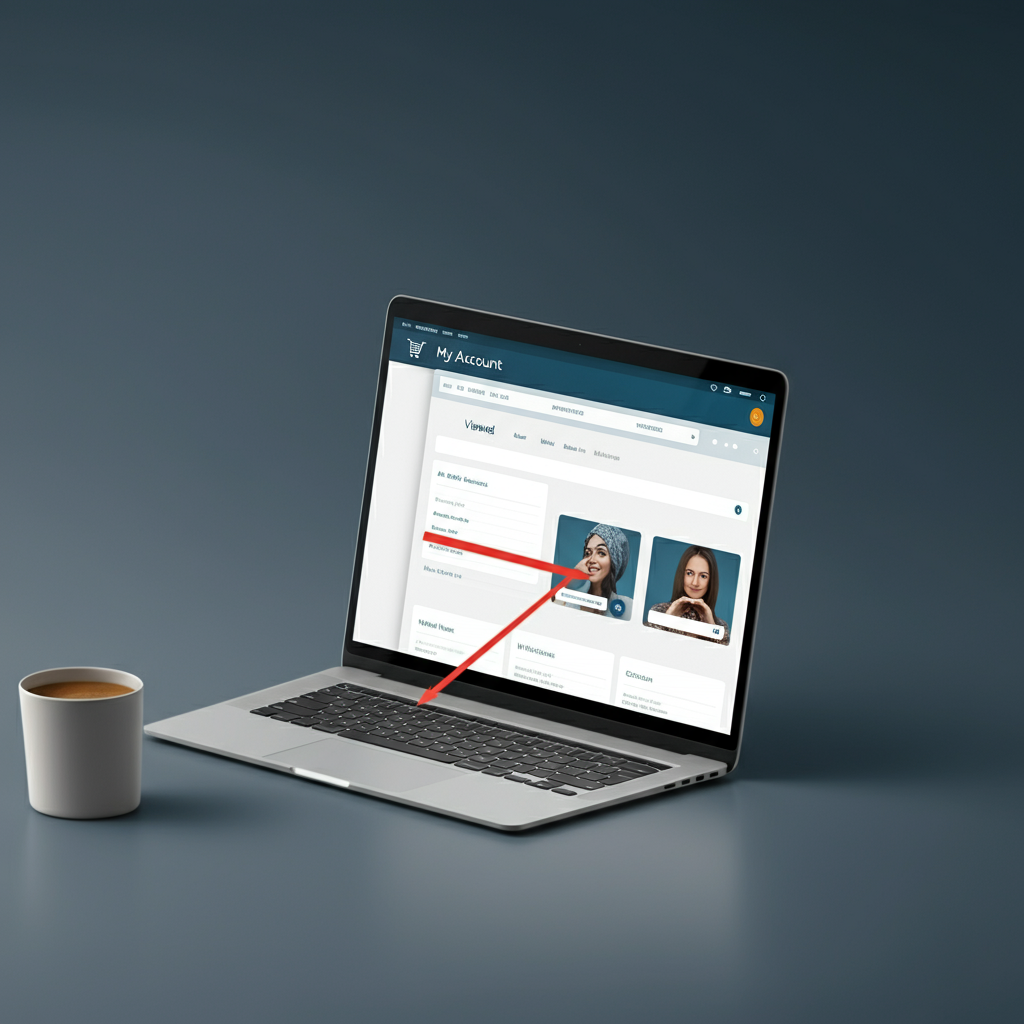
- On Desktop: Log in to your account, hover over your name in the top-right corner, and click on “My Orders.” On the left-hand navigation menu, select “Viewed.” Here, you can see your recently viewed items and even filter them by category.
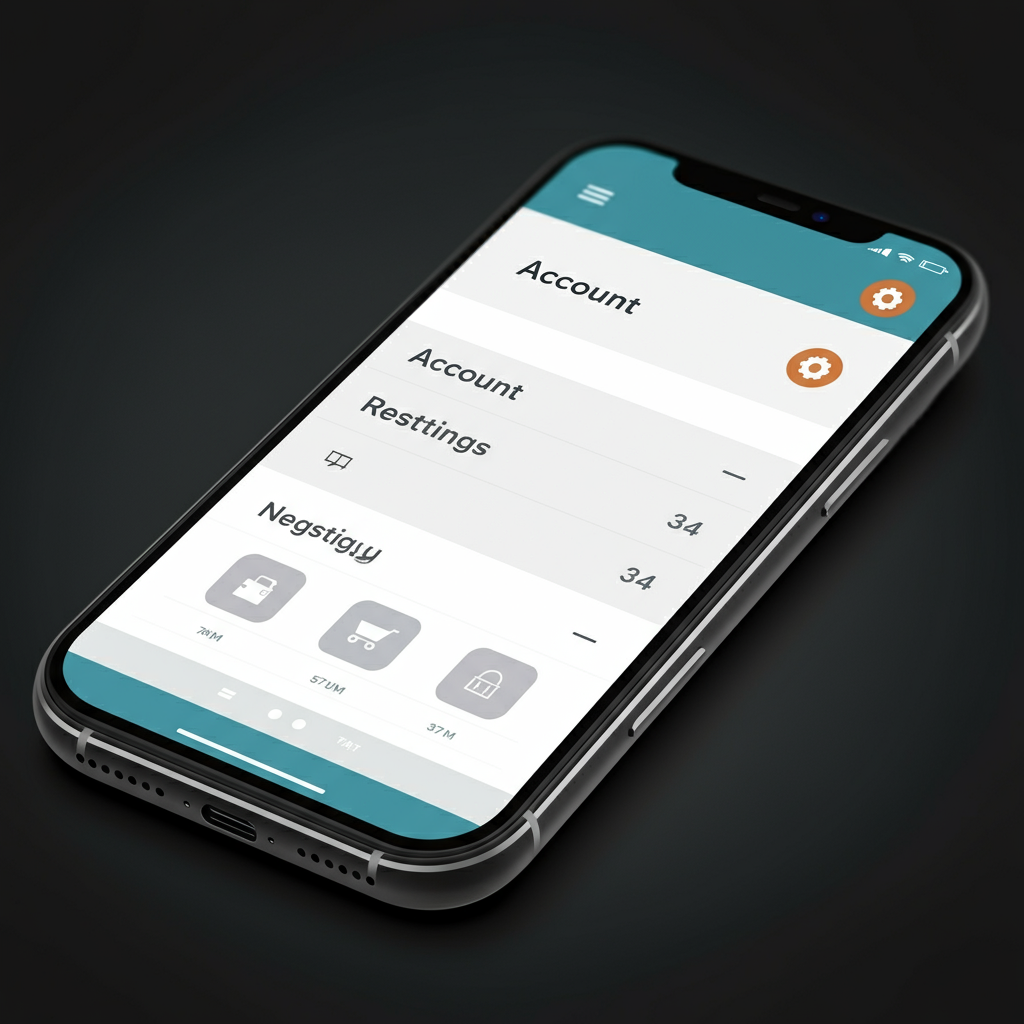
- On the Mobile App: Open the app and tap on the “Account” icon in the bottom-right corner. In the “My Services” section, you will find “Viewed.” Tapping this will show you your browsing history.
Who Can See Your Viewing History?
Your viewing history is linked to your account, not a specific device. Anyone who can log in to your AliExpress account will be able to see the items you have viewed. This information is private and not visible to the public, but it is accessible to anyone with your login credentials.
It’s also worth noting that on the mobile app, your recent searches are saved separately. These can be cleared easily by tapping the trash can icon within the search bar.
How to Delete Your AliExpress History
You can clear your history from both the desktop site and the mobile app, though the process differs slightly.
Deleting History on a Computer
Clearing your history on the desktop version of AliExpress is simple and immediate.
- Log in to your account and navigate to the Viewed section (Account > My Orders > Viewed).
- In the top-right corner of the page, you will see a button labeled Delete all.
- Click this button to instantly clear your entire viewing history.
This action only deletes your current history; it does not stop AliExpress from tracking future activity.
Deleting History on the Mobile App
On the mobile app, deleting your history is tied to deactivating the feature altogether.
- Open the AliExpress app and go to the Account tab.
- Tap the gear icon in the top-right corner to open Settings.
- Select Viewed.
- You will see a toggle to enable or disable your viewing history. Toggling it off will prompt a confirmation that your existing history will be erased.
This is the only method to clear your history through the app.
How to Deactivate Your Viewing History
If you want to prevent AliExpress from saving your viewing history going forward, you can deactivate the feature.
Deactivating History on the Mobile App
The most reliable way to deactivate your history is through the mobile app.
- Follow the steps above to navigate to Account > Settings > Viewed.
- Toggle the switch to the “off” position. This will not only delete your current history but also prevent new items from being saved.
Deactivating History on a Computer
Deactivating your history on the desktop is less intuitive due to how the settings are labeled.
- Go to your Viewed history page.
- Click on the Preferences button located in the top-right corner.
- A menu will appear with an option that says Enable recently viewed items. Although the wording is confusing, clicking this button will disable the history tracking feature.
By following these steps, you can effectively manage your privacy and control what browsing data is stored on your AliExpress account.

Leave a Reply